Inventory Management Software
Spare Parts Inventory Management for Maintenance Teams
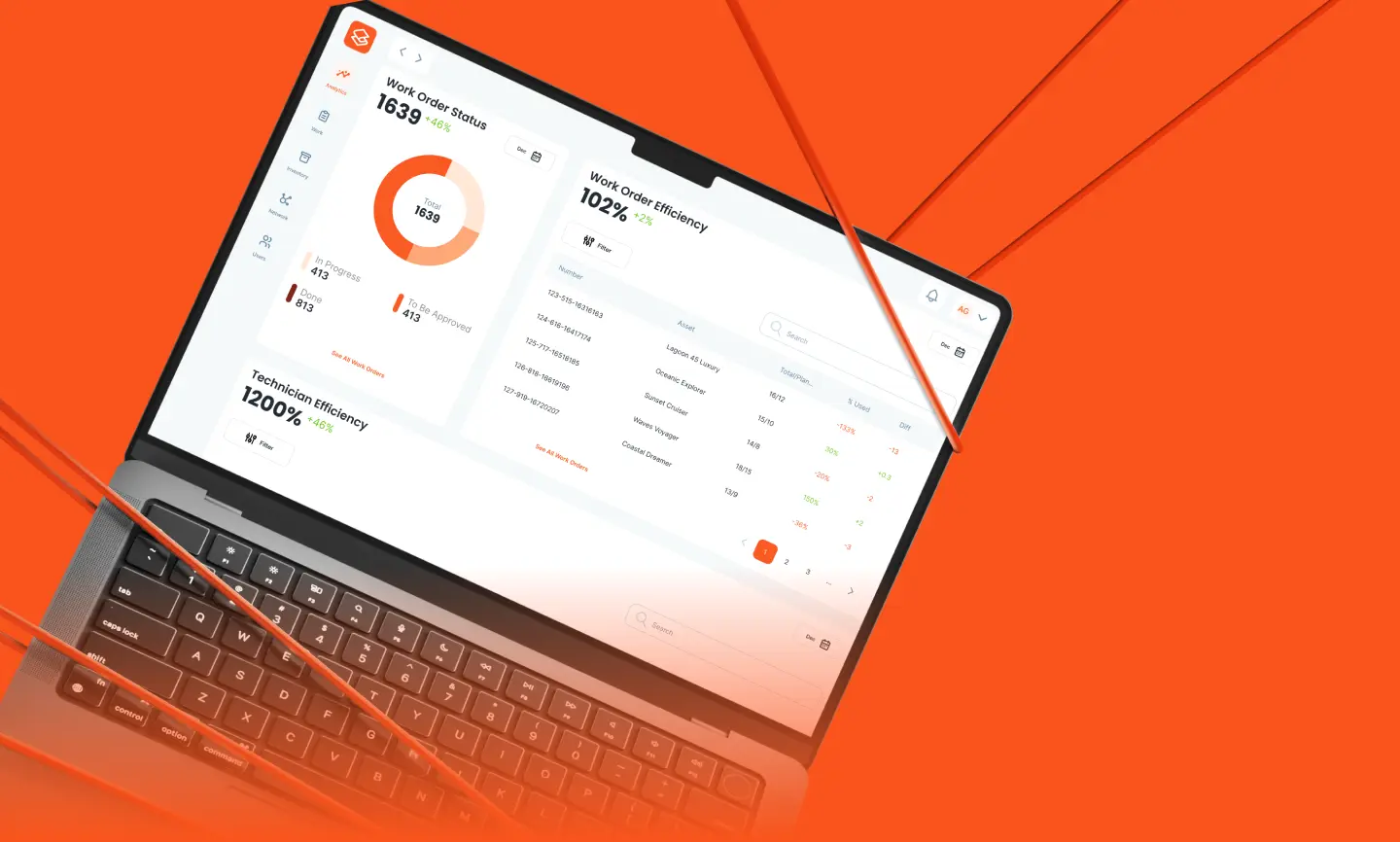
Know what is on the shelf, in the service van, and on board. The Warehouse module in Serwizz keeps the stock of every warehouse, takes parts from stock when technicians save a service report, and records every change.
Serwizz is trusted by

All Your Warehouses in One Place
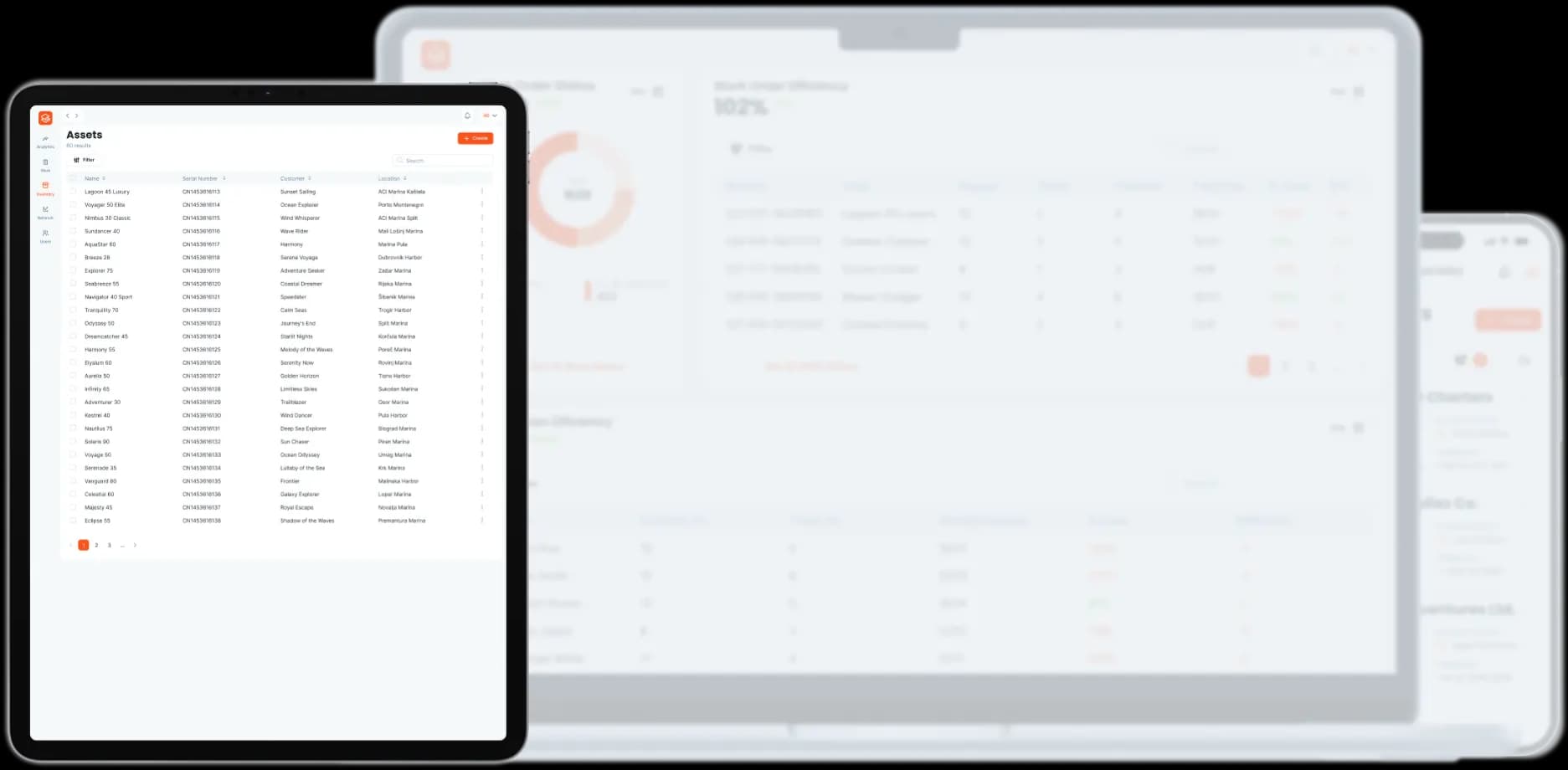
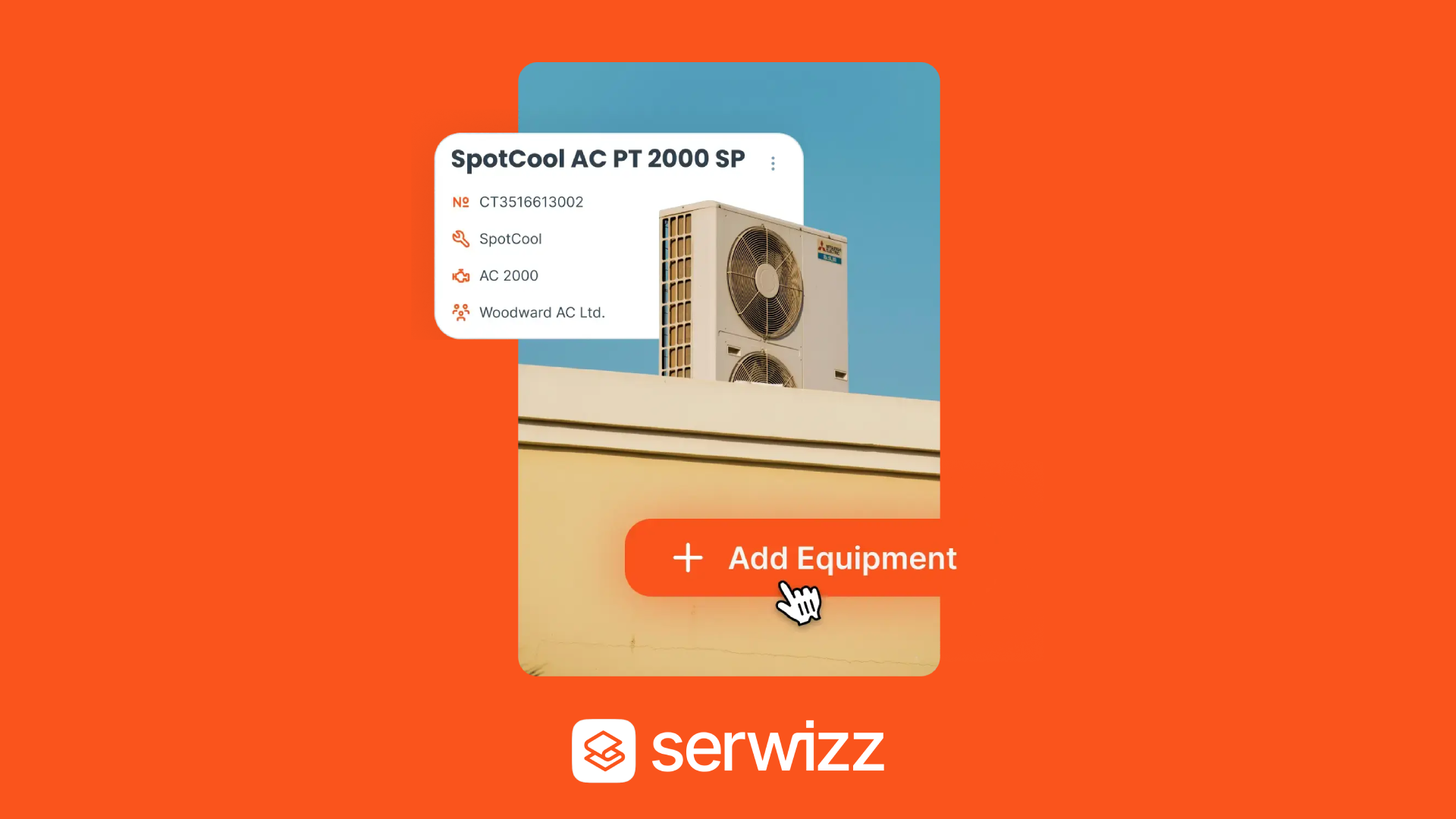
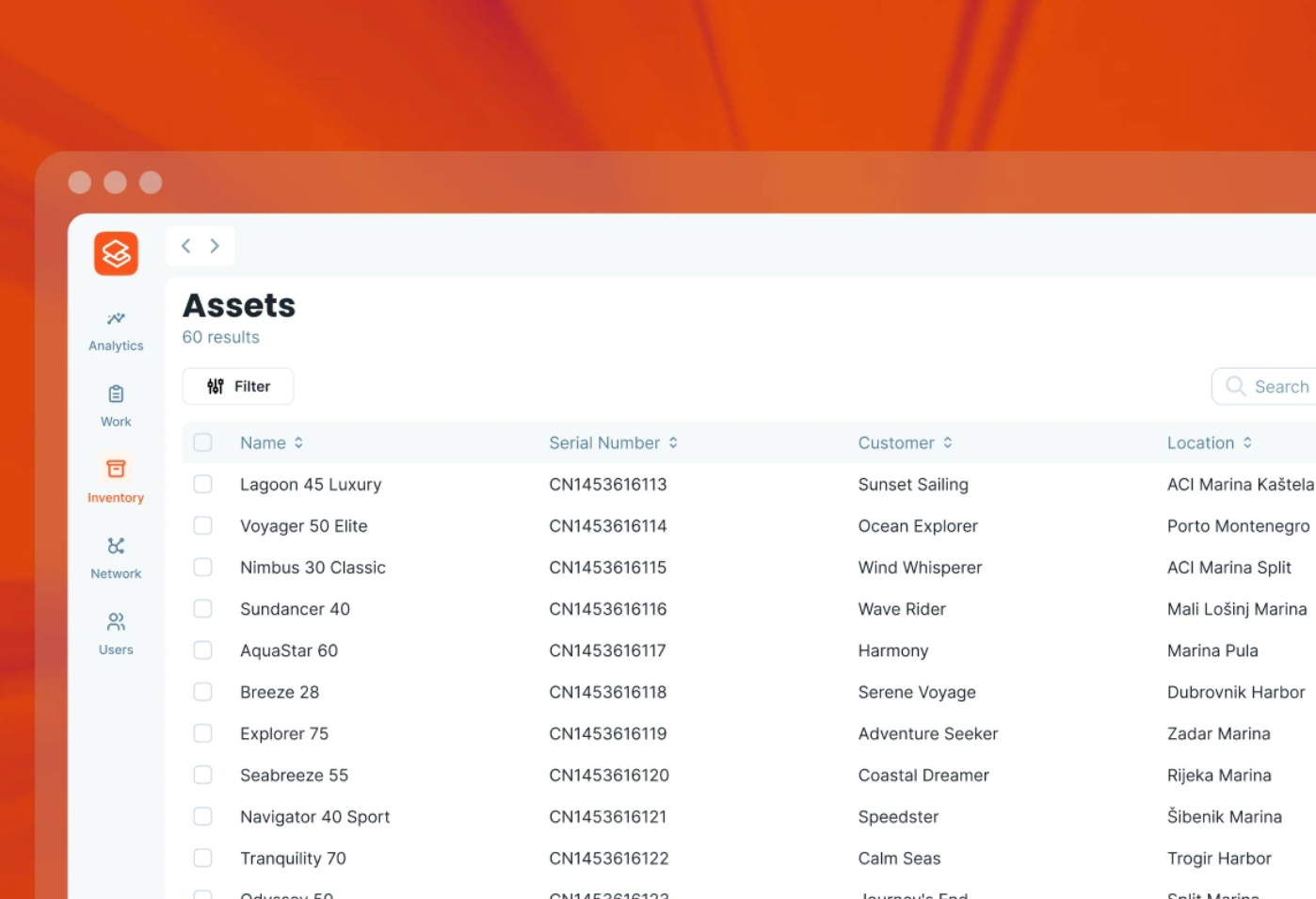
Open a warehouse for the main store, each service van, and every vessel you maintain, each with its own items and stock. Every item has a name, SKU, item code, manufacturer, model, unit, and photo, and you can find it by name, SKU, or item code. Stock that drops below zero is flagged, so a missing part never goes unnoticed.

Work Orders Take Parts from Stock
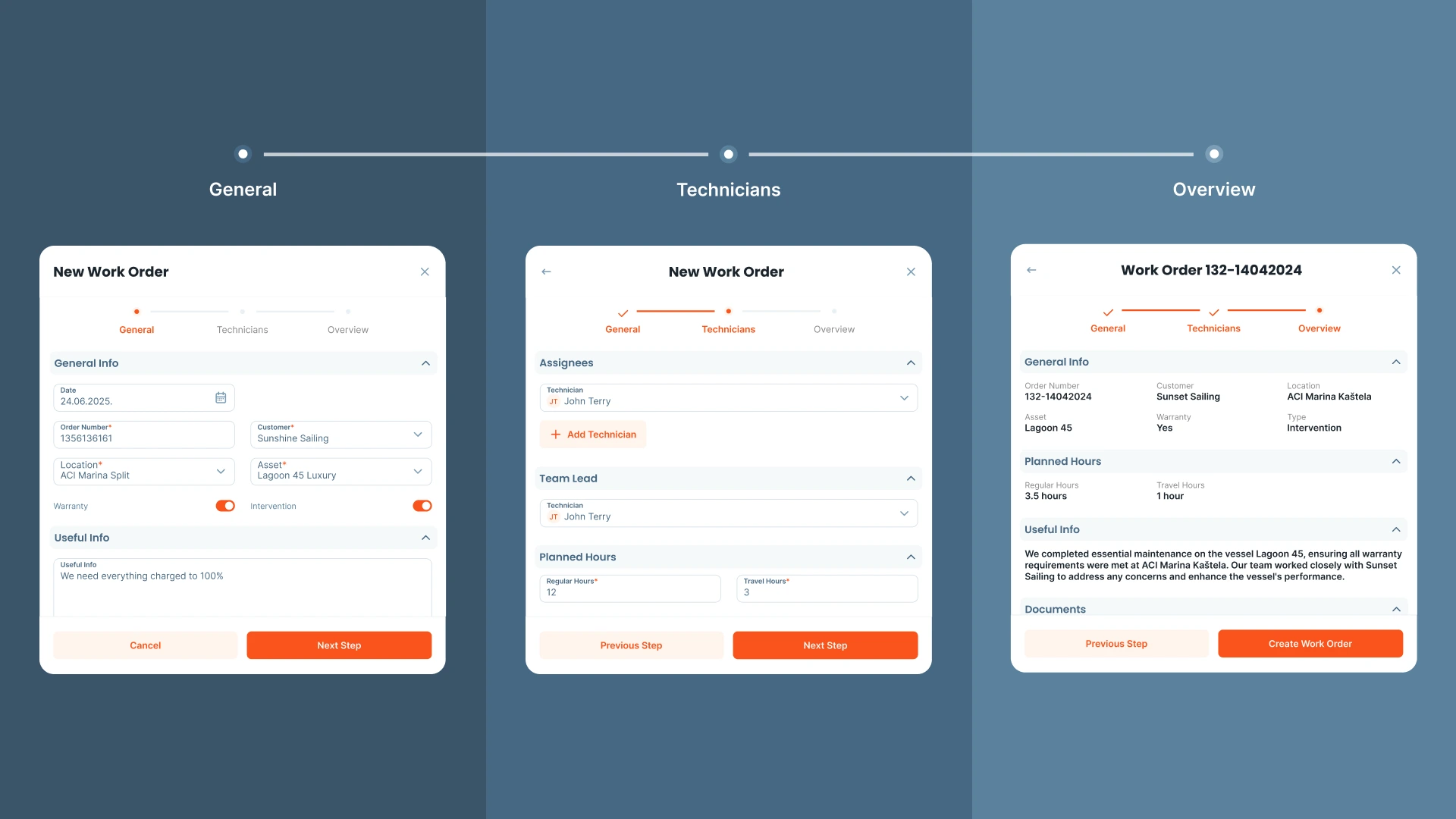
Set a parts warehouse on the work order, and technicians see only its parts in the service report. They search by name, SKU, or item code, see what is in stock, and add a part that is not in the warehouse yet without leaving the report. Saving the report takes the parts from stock, editing it moves only the difference, and deleting the work order puts the parts back.

Transfers, Adjustments, and Stock History
Move parts between warehouses and see the stock on both sides before you confirm. Adjust the stock when a part is damaged, lost, or found. Every change is saved with its type, who made it and when, and the stock of each item before and after, and the work order or stocktake behind it is one click away.

Run Stocktakes from Your Phone
Start a stocktake with one tap and count right at the shelf, in the van, or on board. Your count is saved as a draft that anyone on the team can continue. Before you finish, Serwizz shows how many items were counted, how many differ from the stock, and how many were skipped, and skipped items keep their current stock.
Work Order Tracking Software Features
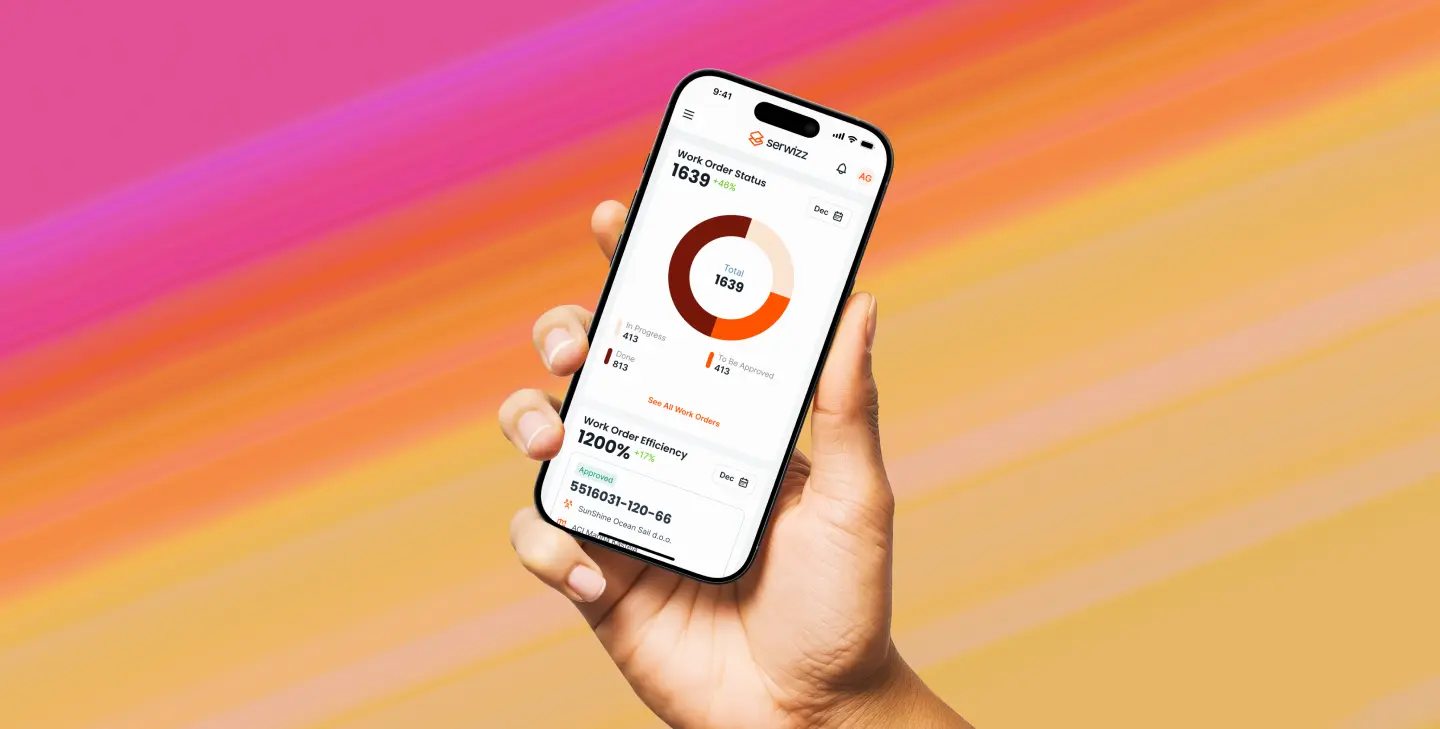
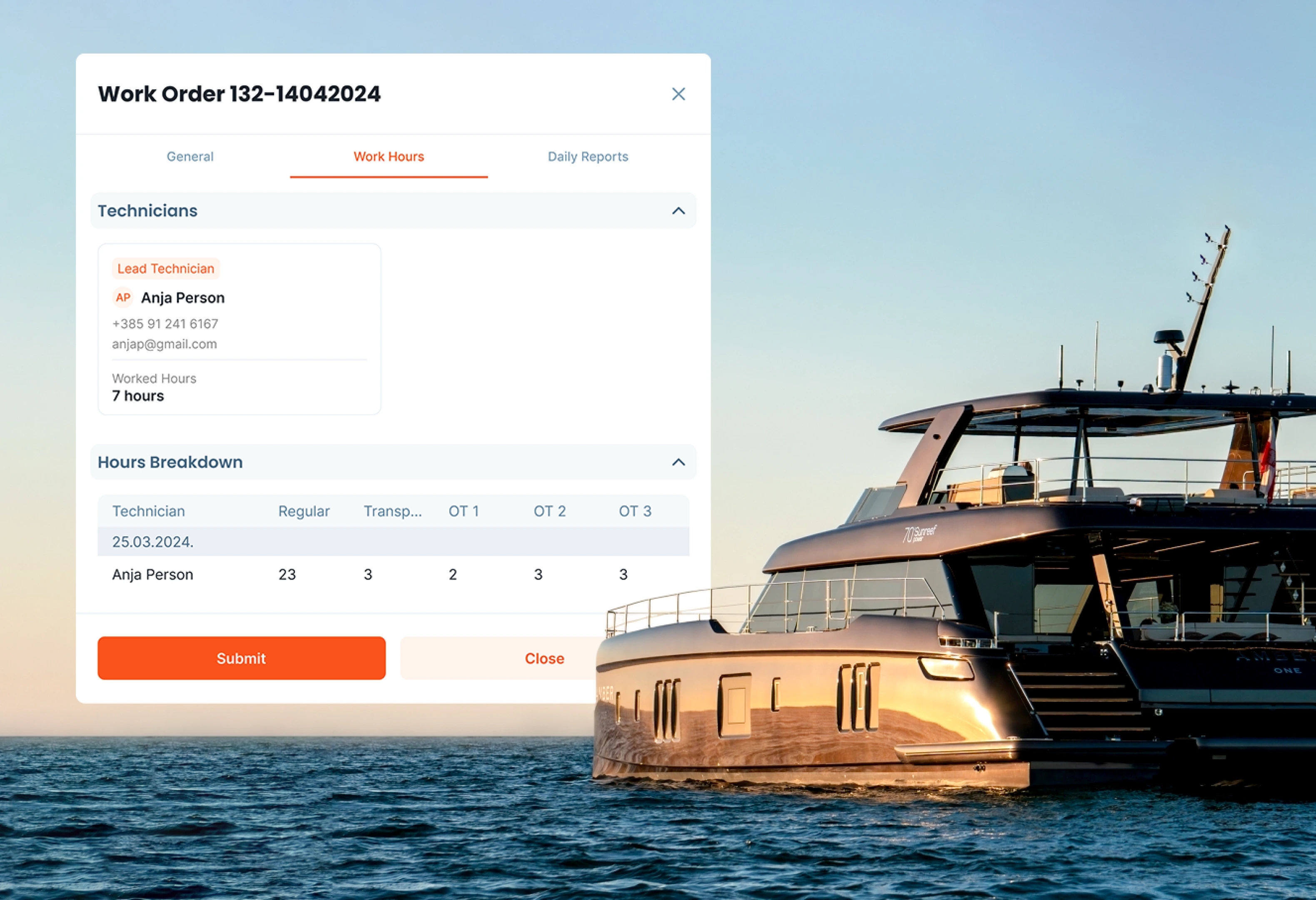
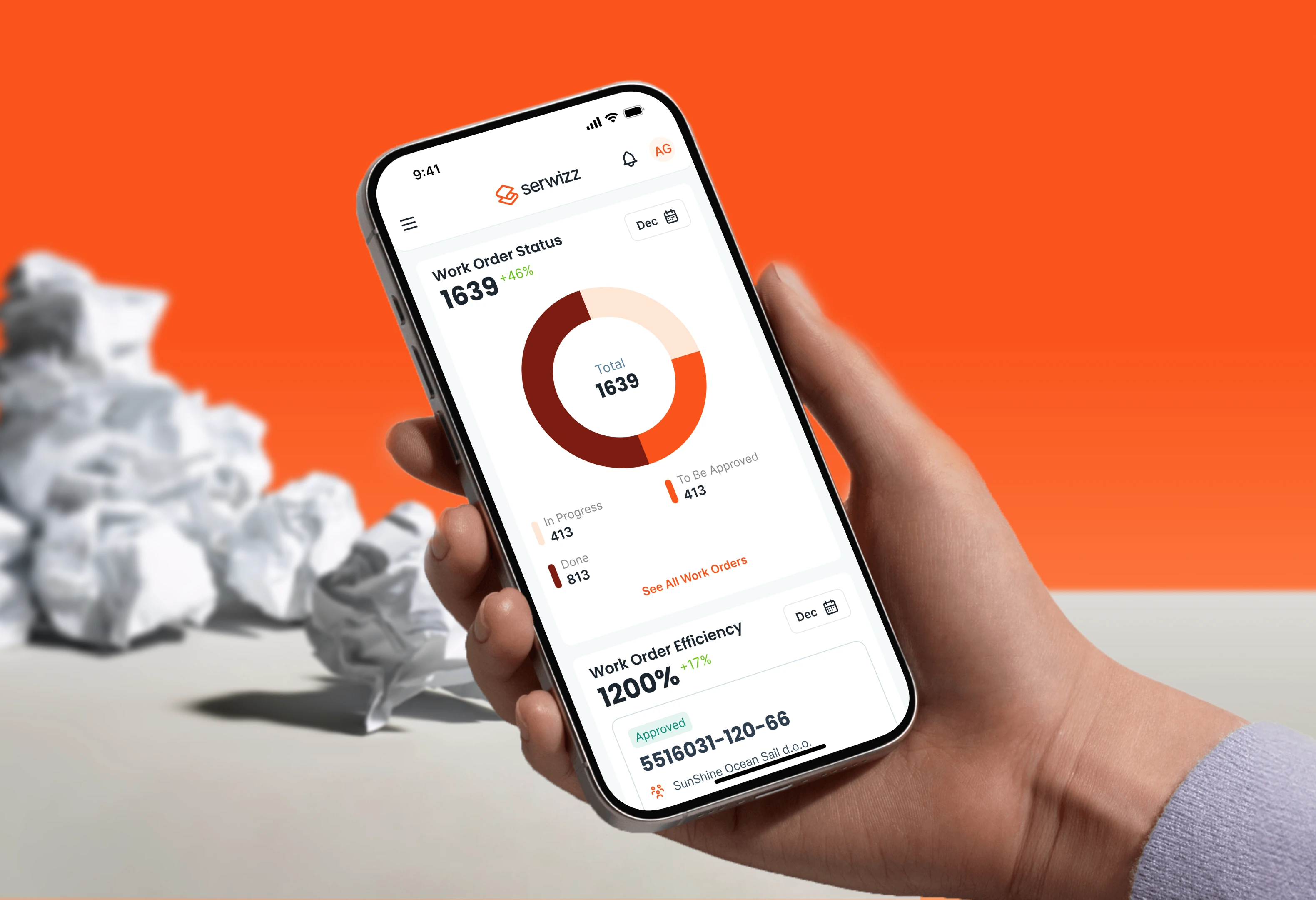
Our mobile-first work order software helps maintenance teams stay productive in the field with real-time updates, digital approvals, and smart tracking features.
Work order approvals
Capture electronic signatures
Automate your digital work order
Real-time notifications
Include photos & documents
Analytics support
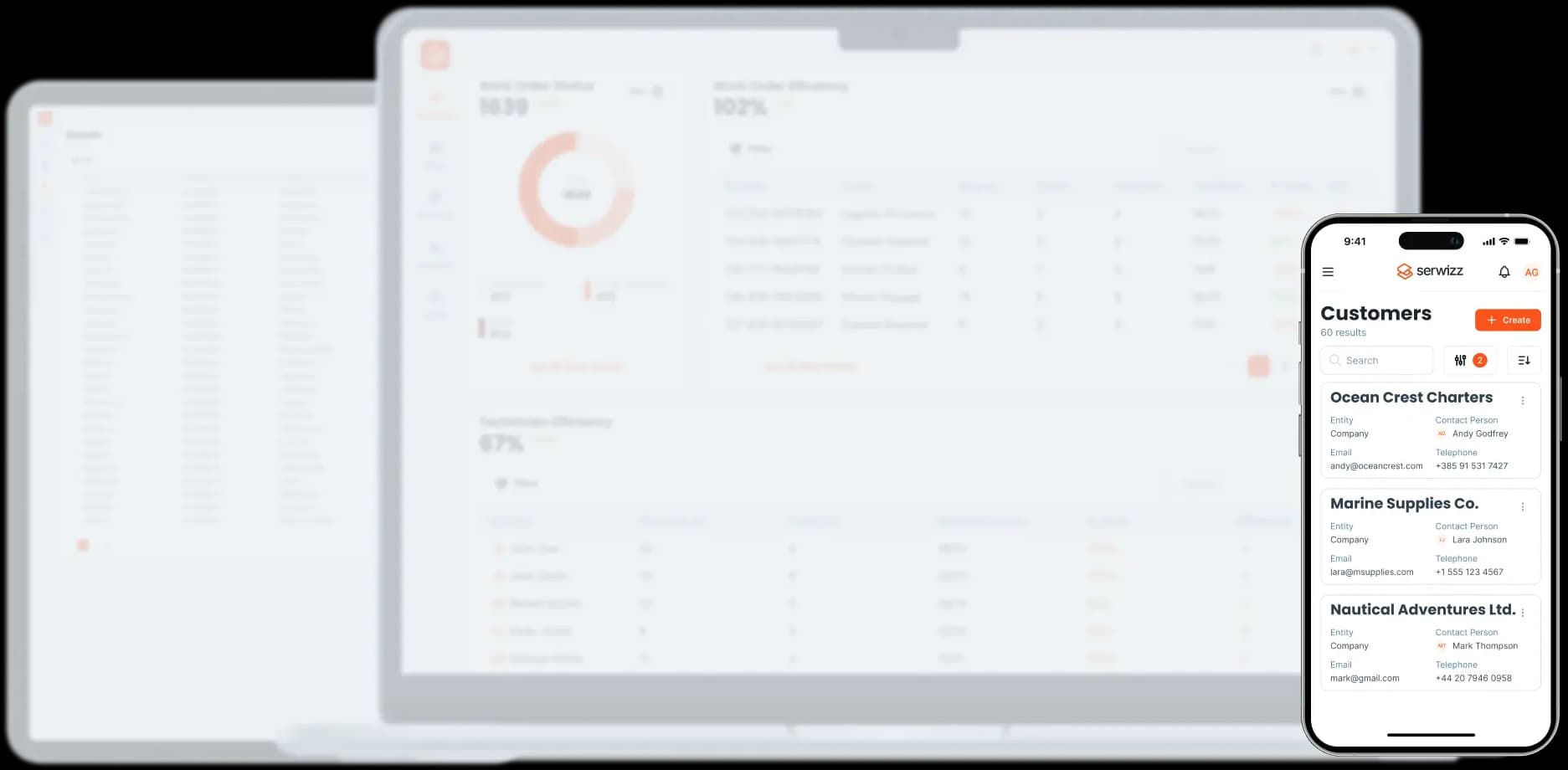
Anywhere. Anytime. Any device.
Full control and full visibility.
Ideal for managers, dispatchers, and decision-makers
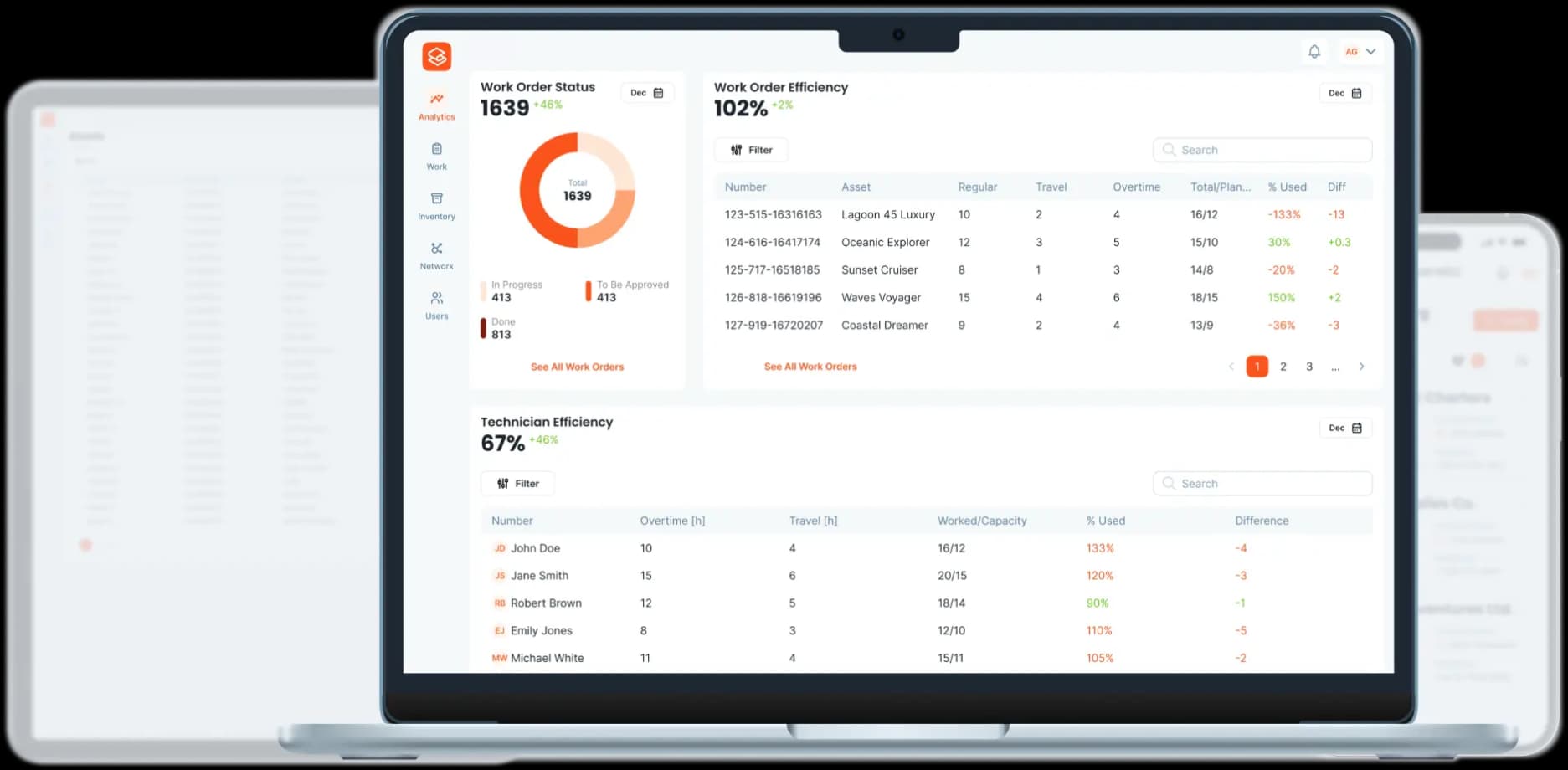
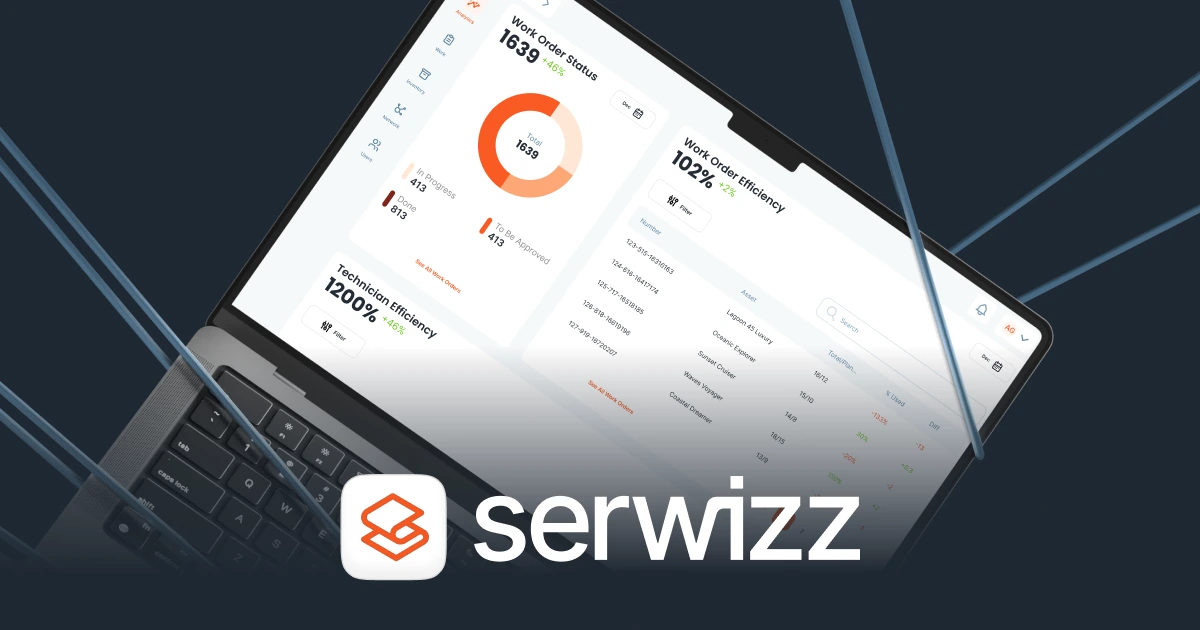
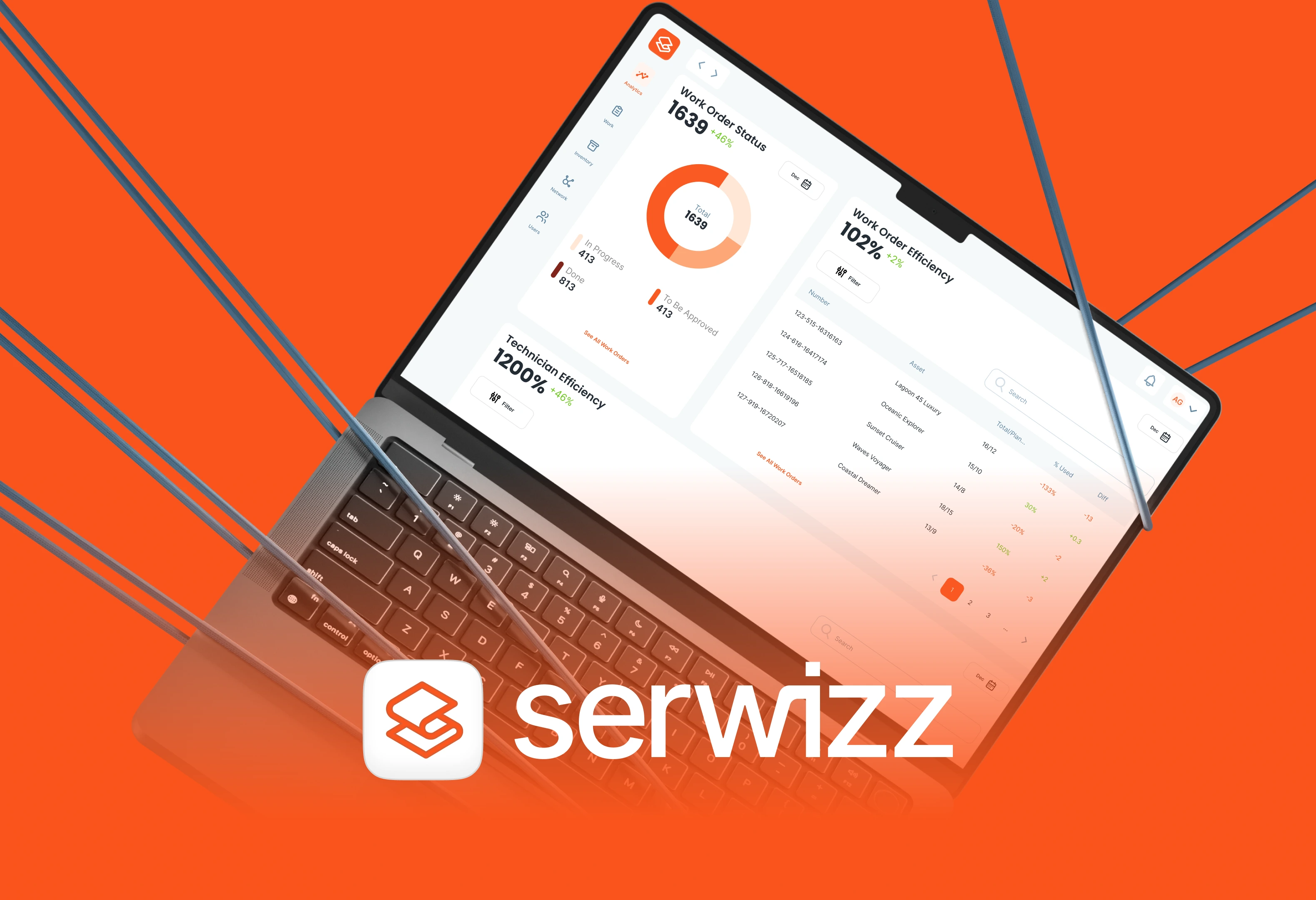
Full-screen dashboards for full control
Designed for everyday use in the office or on a laptop







Frequently Asked Questions
Find answers to the most common questions about inventory management in Serwizz CMMS.
Yes. Create as many warehouses as you need, such as a central store, service vans, or spare parts kept on board. Each warehouse has its own items and stock, and you move parts between warehouses with a transfer. One warehouse is the default: the first one you create, which you can change later.
Technicians add the parts they used to the service report of a work order. When the report is saved, Serwizz takes those quantities from the warehouse each part came from and records the change in the stock history. If the report is edited later, only the difference is moved. If the work order is deleted, its parts go back to their warehouses.
Yes. Set a parts warehouse on the work order, for example the van of the team doing the job. Technicians then see only that warehouse's parts in the service report. Without a parts warehouse, they can pick parts from every warehouse.
The technician adds it as a new part right in the service report, with its name and, if known, its SKU, item code, manufacturer, and model. Serwizz adds it to the warehouse and takes it from stock, so the manager sees it below zero and can set the correct stock later.
Yes. Serwizz never blocks work in the field because of stock. When a part is used before its stock is entered, the stock goes below zero and is flagged with a warning in the warehouse, so the manager can check it, adjust it, or restock.
Start a stocktake for one warehouse and count each item on a phone, tablet, or computer. The stocktake stays a draft until you finish it, so you can save it, leave, and continue later, and anyone with access can pick it up. When you finish, counted items get the counted quantity, skipped items keep their stock, and every difference is saved in the history. A cancelled stocktake stays on the list.
Managers and administrators create warehouses and items, adjust and transfer stock, and run stocktakes. Approvers can see everything without changing it. Technicians don't need the warehouse screens: they find parts and see their stock while filling in the service report.
An administrator turns on the Warehouse module in Settings, creates the first warehouse, and adds items with their current stock. From then on, parts used on work orders are taken from stock automatically.
Yes. Serwizz runs in the browser on phones, tablets, and computers, with no app store download. Part search in the service report and stocktake counting are made for the shelf, the van, or the deck of a boat.